

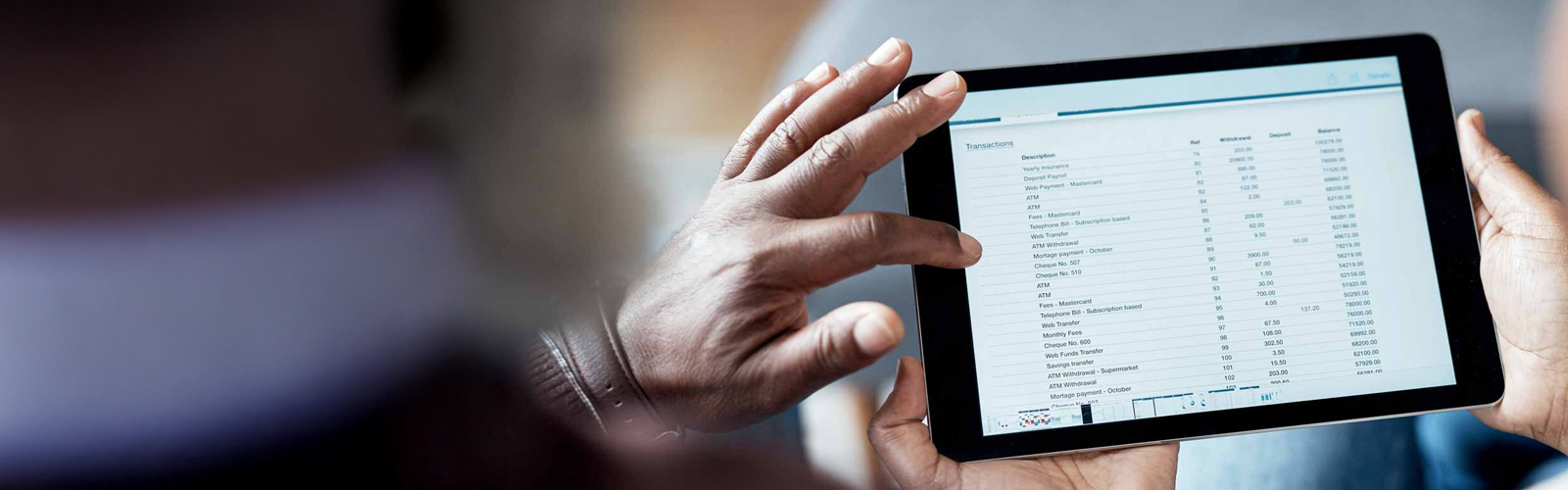
Paperless Convenience
Get your monthly statement delivered quickly and securely, right to your inbox.Essential financial information at your fingertips
Your monthly statement provides the details you need to analyze transactions and track your activity. But paper versions can get lost in the shuffle with other mail. With E-Statements, you get that important information sooner and more securely.
- Avoid the risk of identity theft that can occur when account information is stolen from the mail
- Access the last 5 years of statements and check images
- Cut down on paper clutter and the need to destroy financial documents
- Download, save and print your statements whenever you want
Enroll in E-Statements
Log into Digital Banking and select the account from the dashboard view.
- (Mobile App) Select Settings from the menu listing below the account heading.
- (Mobile App) Select Documents - Advanced Settings at the bottom of the page.
- (Online) Select the Settings button on the right side of the screen.
- (Online) Select Advanced Settings at the bottom of the page.
- Select Sign Up/Changes in the green bar at the top of the page.
All of your accounts will be listed and you’ll have the ability to enroll or unenroll each account by checking or unchecking the box.
Once you’ve made your changes, select the Save Settings button at the bottom of the screen.